 cloudstream
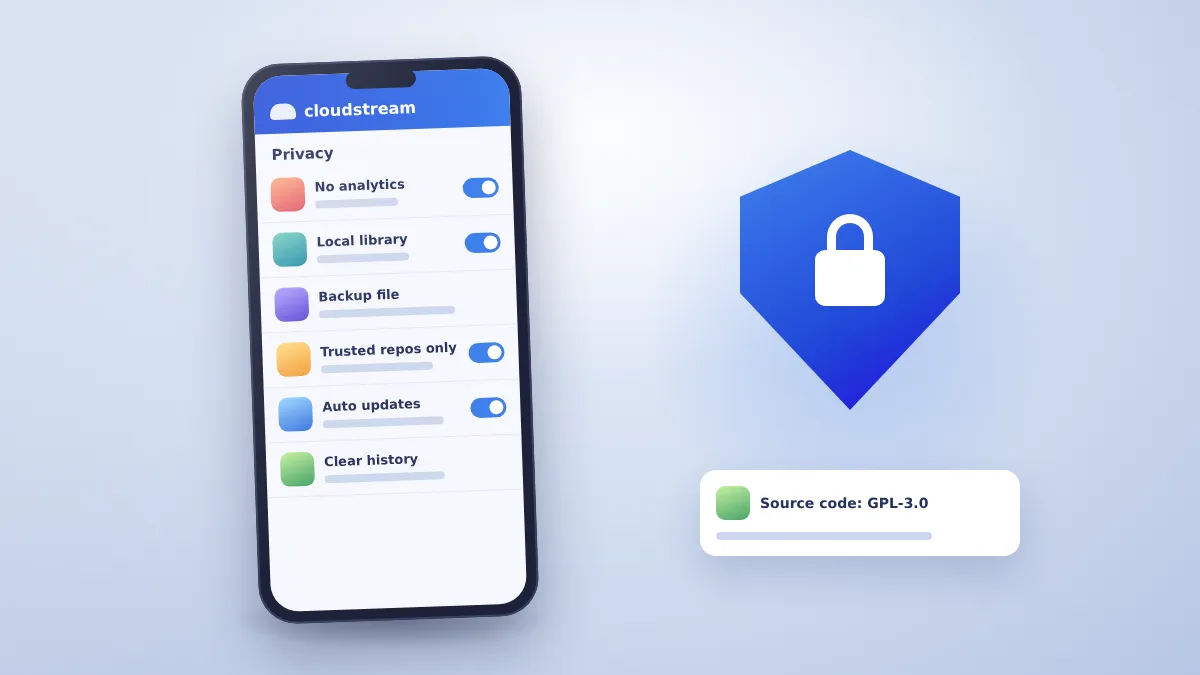
Choosing software for your phone or television involves trust. You are allowing it to run on a device that holds personal information, connects to your home network and reflects your viewing habits. cloudstream earns a good deal of that trust by being open source and free of advertising and analytics, but safety also depends on how you obtain it and which extensions you add. This guide explains what cloudstream does with your data, where the risks lie and how to use it responsibly.
Why Open Source Matters
cloudstream is released under the GNU General Public License, version 3. Its complete source code is published on GitHub, where anyone can read it, examine changes and build the application themselves. This transparency has practical consequences. Hidden data collection would be visible to the thousands of developers who follow the project, and any suspicious change would be noticed and discussed in public.
Open source does not guarantee perfection, but it removes the need to accept a developer's claims on faith. The behaviour of the application can be verified, which is a meaningful advantage over closed alternatives.
What Data cloudstream Keeps
By design, cloudstream stores its information locally on your device. This includes:
- Your settings and player preferences.
- Your library, bookmarks and watch status for each title.
- Your viewing progress, so playback can resume where you stopped.
- The list of repositories and plugins you have installed.
- Cached artwork and metadata to speed up browsing.
The project states that the application contains no tracking or analytics. There is no cloudstream account, no sign-in and no central server collecting your history. Your data leaves the device only when you choose to export a backup or connect an external service.
Optional Connections to External Services
cloudstream can link to tracking services such as AniList, MyAnimeList and Simkl to synchronise your progress. These connections are entirely optional. When you enable one, information about what you watch is sent to that service under its own privacy policy. If you prefer to keep your viewing history private, simply leave these integrations disconnected. You can also revoke access at any time from cloudstream's settings and from the service's own account page.
Online subtitle searches likewise contact the subtitle provider. Only the information needed to find matching subtitles is sent.
The Most Important Rule: Use Official Builds
The greatest risk associated with cloudstream does not come from the official application but from imitations. Because the project is popular and distributed outside the Play Store, some websites offer modified builds, sometimes described as premium, unlocked or mod versions. cloudstream is already free and complete, so such builds offer nothing genuine, and they may contain advertising, trackers or harmful code.
Always obtain cloudstream from the official GitHub organisation. The download section on our homepage links directly to it. If you already have a build from another source, back up your data, uninstall it and replace it with the official version, following How to Install cloudstream on Android.
Evaluating Extensions
Plugins run inside cloudstream with the same permissions as the application, so the sources you choose deserve some thought. The cloudstream maintainers do not review or endorse third-party plugins. Before adding a repository, consider:
- Transparency: is the plugin source code public?
- Reputation: is the repository widely referenced and actively maintained?
- Behaviour: does any plugin ask you to install additional applications, enter unrelated passwords or disable security features? If so, remove it.
- Necessity: install only the plugins you actually use, and remove the rest.
Our article cloudstream Repositories and Extensions Explained discusses repository selection in more detail.
Legal and Responsible Use
cloudstream itself is a lawful media player, comparable to any other application that plays video and audio. What matters legally is the content you access through it. The project explicitly asks users to avoid extensions that offer copyrighted media without authorisation. Excellent lawful options exist, including public-domain audiobooks, openly licensed films, public IPTV channels, official video platforms and your own media server. Using these sources keeps you on the right side of the law and supports the people who create and share content.
Laws vary between countries, so if you are unsure whether a particular source is permitted where you live, err on the side of caution.
Android Permissions Explained
- Install unknown apps: allows cloudstream to install its own updates. You can revoke it and update manually instead.
- Notifications: used for download progress and update notices.
- Storage or folder access: used for downloads and backups, limited to folders you choose on modern Android versions.
cloudstream does not need access to your contacts, camera, microphone or location. Treat any build that requests these permissions as suspicious.
Protecting Your Network and Devices
A few general measures improve safety for every application, cloudstream included. Keep Android and Google Play Protect updated. Install the latest cloudstream builds, which include security and stability fixes. Use a reputable DNS provider on your router, and avoid connecting your streaming devices to untrusted public Wi-Fi without protection. On shared televisions, consider the lock feature in the player to prevent accidental changes.
Backups and Data Portability
Because your data stays on the device, keeping a backup is your responsibility. cloudstream's backup feature exports settings, bookmarks and repositories to a file. Store it somewhere safe, such as your personal cloud storage. A backup also makes it easy to remove cloudstream completely and reinstate it later, giving you full control over your information.
Safety for Families and Shared Devices
When cloudstream is installed on a device used by children, a few additional precautions are sensible. Install only plugins that provide age-appropriate content, and avoid general-purpose sources that may surface unsuitable material. Android's built-in parental controls, including Google Family Link, can restrict which applications children open and for how long. On televisions, many manufacturers offer profile or PIN features that limit access to specific applications.
The player's lock feature prevents young viewers from accidentally leaving a programme or changing settings, which is useful on tablets during journeys.
Recognising Imitation Websites
Because cloudstream is popular, a number of websites present themselves as official sources. Warning signs include requests to complete surveys before downloading, offers of paid or premium editions, prompts to install a separate download manager, and package names or icons that differ from the official project. The official source code and releases live under the recloudstream organisation on GitHub. When in doubt, compare the package you have with the one listed there.
A trustworthy source never needs you to disable Play Protect, grant unusual permissions or provide personal details in exchange for the application.
Reviewing Your Setup Periodically
Every few months, spend a few minutes reviewing your installation. Remove plugins and repositories you no longer use, check that the application is up to date, review which external services are linked, and create a fresh backup. This small routine keeps cloudstream lean, secure and organised, and ensures you always know exactly what is running on your device.
Frequently Asked Questions
Does cloudstream require an account?
No. There is no account, sign-in or registration of any kind.
Is there a premium version of cloudstream?
No. cloudstream is entirely free. Any website offering a paid or premium edition should be avoided.
Can I inspect the code myself?
Yes. The full source code is available in the official GitHub repository under GPL-3.0.
Conclusion
cloudstream offers a strong foundation for privacy: open-source code, no advertising, no analytics and data kept on your own device. The remaining safeguards are in your hands. Obtain the application only from its official source, choose extensions with care, prefer lawful content and keep a backup. With these habits, cloudstream remains a calm, trustworthy media centre. If something does go wrong, Fixing Common cloudstream Errors will help you restore normal service quickly.